
Category: How To

What Does An Instagram Handle Mean?
An Instagram Handle Are you thinking of creating an Instagram account but do not know ‘what does an Instagram handle mean’? Then you indeed are in the right place for we going to tell you the actual meaning of an Instagram handle. We will also be discussing how you can create an Instagram handle that…

USB 2.0 Vs USB 3.0 Vs eSATA Vs Thunderbolt Vs FireWire Ports
Introduction If you are looking to know about the difference between USB 2.0, USB 3.0, eSATA, Thunderbolt, and FireWire ports. In this article, we have given all the differences between USB 2.0 Vs USB 3.0 Vs eSATA Vs Thunderbolt Vs FireWire Ports. USB 2.0 USB 2.0 is a common port that can be found on…

Set Custom Text Message Ringtone On Android
Introduction If you are looking for customizing message tone, then this article is for you. Let us first inform you that not all in-built messaging apps have this custom notification option, so for customizing message tone you need to install either Google messages or true caller. In this article, we have given all the steps…
How to Save Your Phone From Water Damage
Introduction Mobile phones are high-priced electronic devices that have become an extremely important part of our daily lives. It does not only keep our priceless memories in the form of photos, videos, and texts, but it also houses crucial work-related papers that you cannot afford to lose. As a result, we make every effort to…

How To Save Photos To SD Card On Android
Introduction All images taken with your smartphone camera are saved to your internal storage by default. However, this may cause your internal memory to run out of storage capacity in the long run. The best solution is to move the Camera app’s default storage location to the SD card. As a result, all of your…
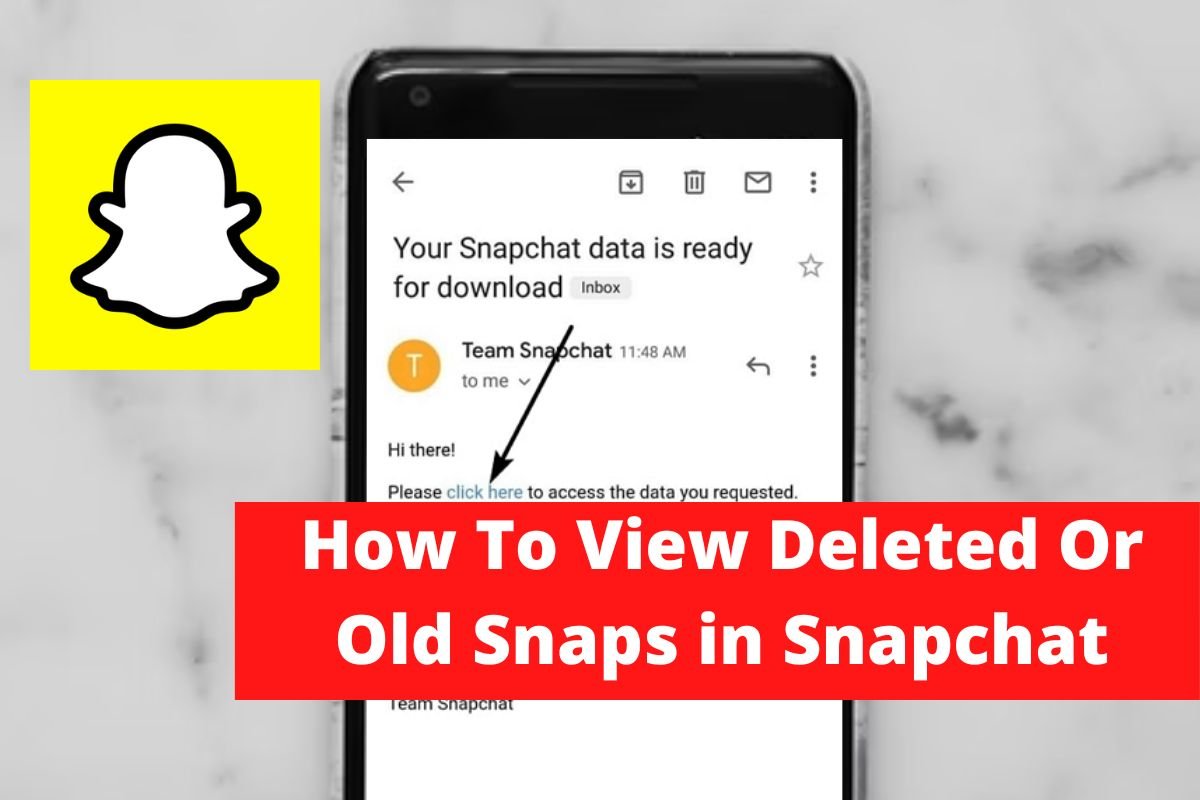
How To View Deleted Or Old Snaps in Snapchat
Introduction There could be various options to view deleted or old snaps. We’ve presented different methods to view deleted or old snaps from Snapchat. Steps To View Deleted Or Old Snaps Following are the ways to view deleted or old snaps: Method 1: View Old Snaps Step 1: Open Snapchat. Step 2: Click on the…
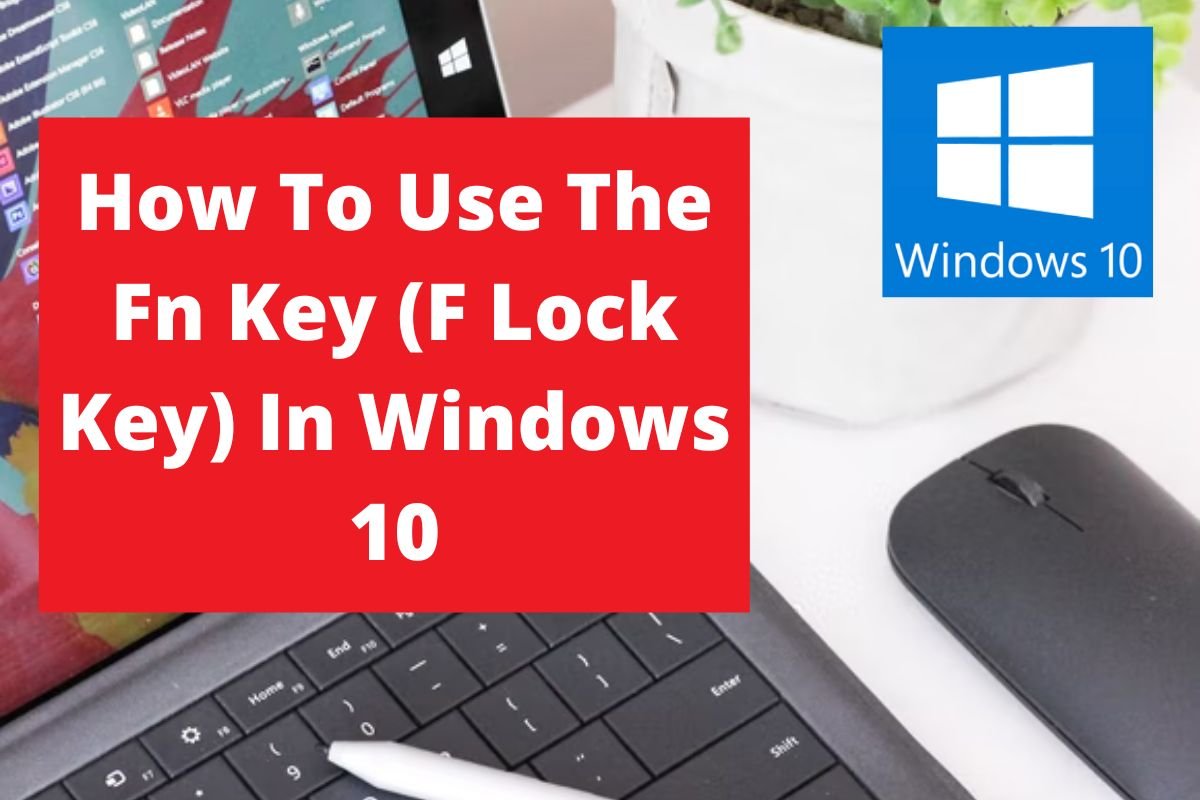
How To Use The Fn Key (F Lock Key) In Windows 10
Introduction You’ve probably noticed that the top row of your keyboard has labels ranging from F1 to F12. These keys can be found on every keyboard, whether for Macs or PCs. These keys may perform different functions, such as the Fn lock key, which serves a separate function while held down, allowing you to employ…

How To Set Up Use Miracast on Windows 10
Introduction Miracast, as the name implies, is a screen-casting technology that comes standard with Windows 10 and has since been embraced by other tech companies such as Google, Amazon, and others. The technology is based on the Wi-Di protocol, which means it functions without using a Wi-Fi router. Miracast allows you to mirror 1080p definition…

How To Extract WhatsApp Group Contacts
Introduction This article is to assist you if you are looking to extract WhatsApp group contacts. In this article, we’ve covered all that you need to know. Steps To Extract WhatsApp Group Contacts Step 1: Open WhatsApp Web. Select the group from which you want to retrieve contacts. The window for group conversation will appear.…

How To Block TeamViewer On Your Network
Introduction How to block TeamViewer on your network, in this article we’ve covered all you need to know. Steps To How To Block Teamviewer On Your Network Step 1: Block DNS Firstly, you must block DNS records resolution from teamviewer.com. This would be simple if you are operating your own DNS server. Now, first thing…