
Category: How To

Highlighted Comment On YouTube
What is A Highlighted Comment On YouTube? A highlighted comment on YouTube can be perceived from many perspectives, depending on whether you are an uploader or a viewer. The objective of highlighting a comment is to draw your attention to it so that you can quickly locate and interact with it. When you arrive at…
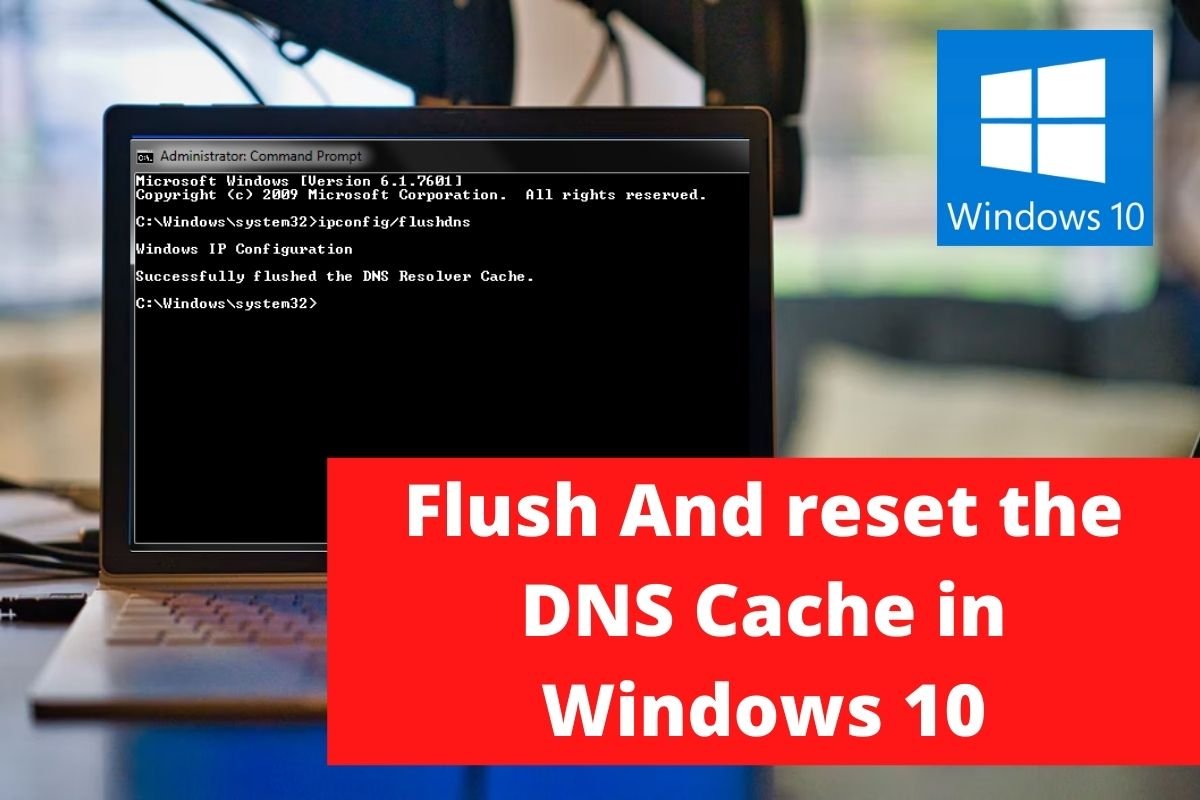
Flush And reset the DNS Cache in Windows 10
Introduction DNS (Domain Name System) is your best buddy when you’re online. It translates the domain name of the website you visited into IP addresses so the computer can understand it. Let’s pretend you went to a website and typed in its domain name. The browser will route you to a DNS server, where the…

Fix UC Browser Common Issues
Introduction Over the last few years, the UC browser has grown in popularity and offers a number of unique capabilities that are not available on Google Chrome or any other mainstream browser. Apart from that, when compared to the pre-installed browser, UC Browser’s surfing and downloading rates are fairly quick. The foregoing facts do not…

Fix Your Connection Is Not Private Error in Chrome
Introduction Google Chrome is a web browser created by the company Google. It was built with free software components from Apple WebKit and Mozilla Firefox and was first released in 2008 for Microsoft Windows. It was later ported to Linux, macOS, iOS, and Android, and is now the default browser on all of these platforms.…
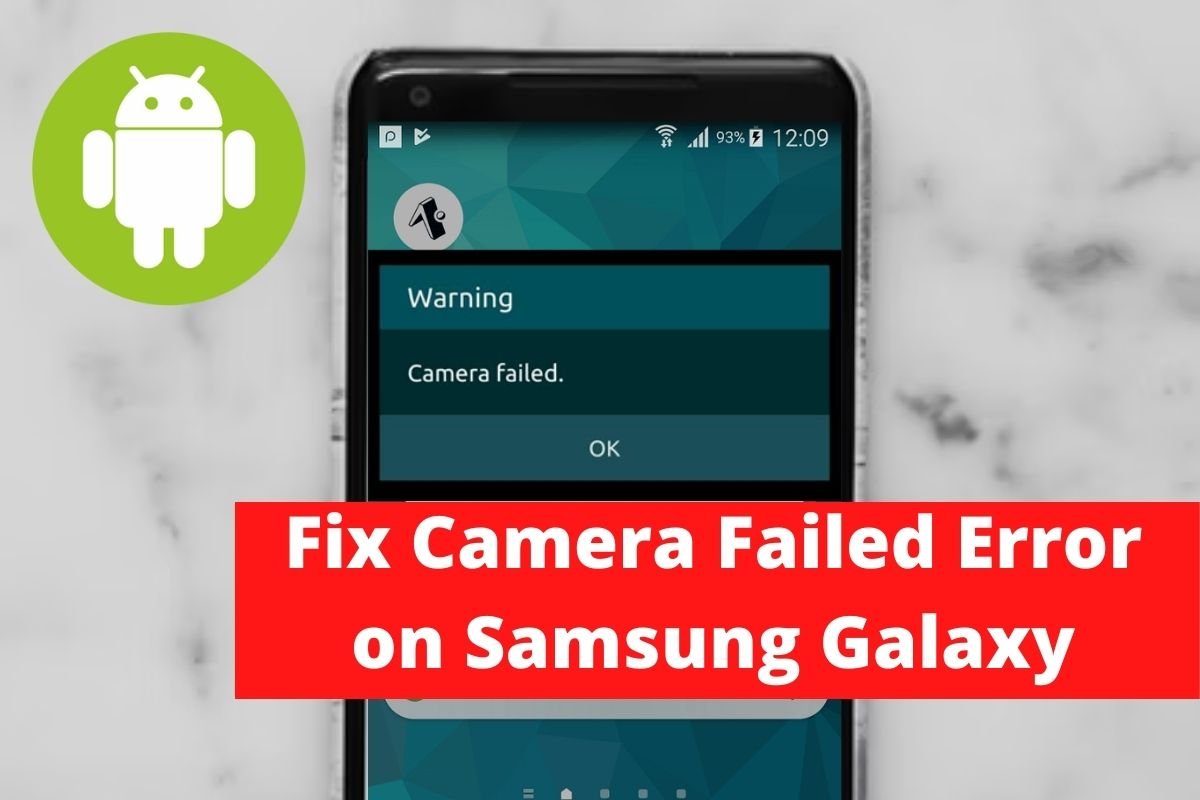
Fix Camera Failed Error on Samsung Galaxy
Introduction The camera on Samsung phones is excellent; however, the Camera app or software can create issues at times, resulting in the “Camera Failed” error message appearing on the screen. It’s a common and aggravating mistake that, thankfully, is simple to correct. This article will go through some fundamental and common solutions that apply to…
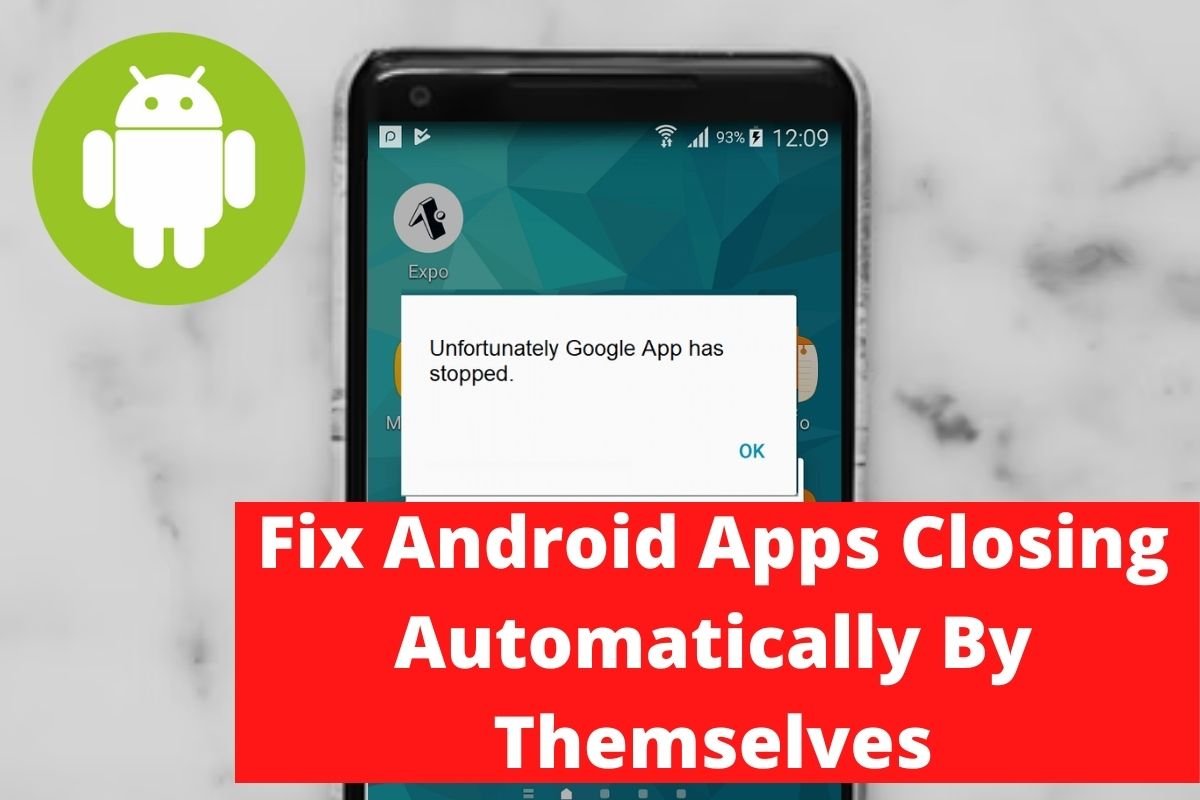
Fix Android Apps Closing Automatically By Themselves
Introduction If you are looking to fix apps closing automatically by themselves, in this article, we’ve covered all you need to know. In this article, we will learn simple steps and methods on how to Fix Android Apps Closing Automatically By Themselves. Steps To Fix Android Apps Closing Automatically By Themselves Following are the methods…

Fix 5GHz Wi-Fi Not Showing Up In Windows 10
Introduction If you are looking to fix 5GHz Wi-Fi not showing up in Windows 10, in this article we’ve covered all you need to know. Steps To Fix 5GHz Wi-Fi Not Showing Up In Windows 10 Method 1: Check If The System Supports 5GHz Wi-Fi Step 1: Search for Command Prompt in the Windows search bar and…

How To Combine Multiple Internet Connections
Introduction This post is for you if you are looking to combine multiple internet connections. We’ve covered all you need to know to combine multiple internet connections. How To Combine Multiple Internet Connections Method 1: Set Windows Automatic Metric to Combine Multiple Internet Connections Step 1: Open the control panel. And, under the heading Network…
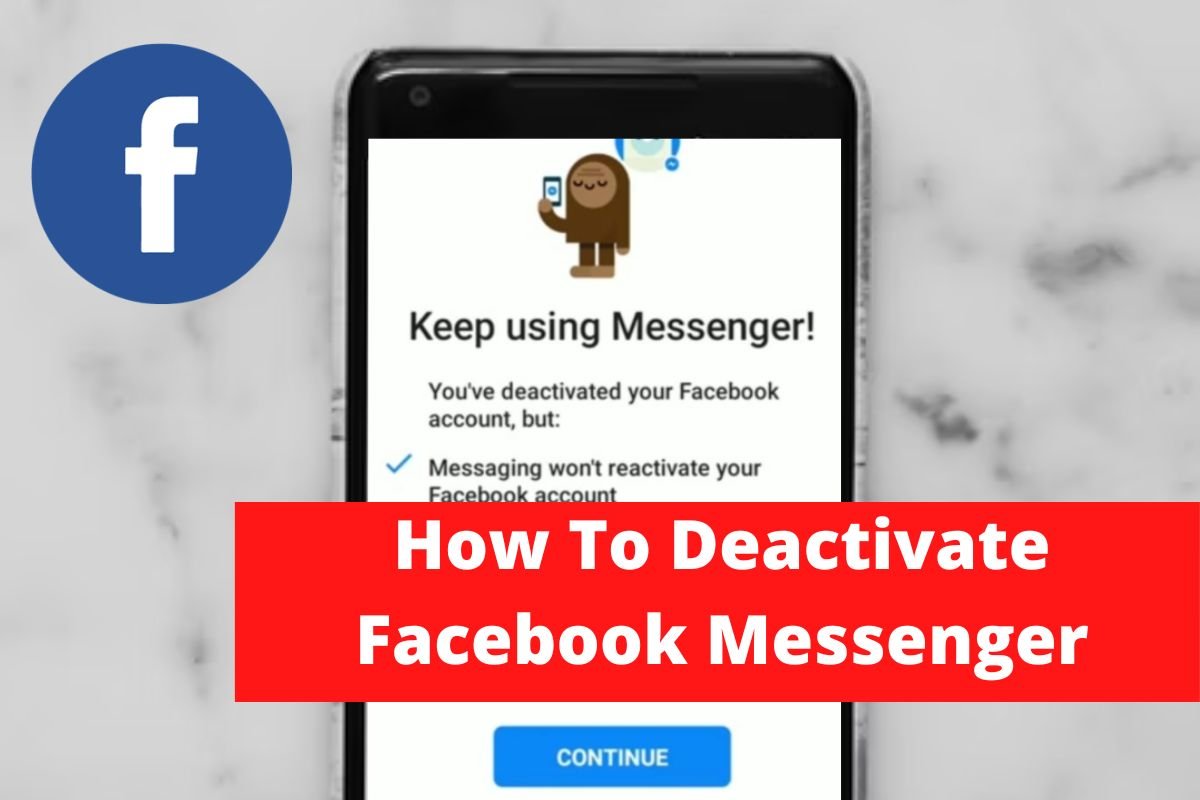
How To Deactivate Facebook Messenger
Introduction If you want to deactivate your FaceBook messenger, this article will guide you with all the required steps. Methods To Deactivate Facebook Messenger Step 1: Open your Facebook. Tap on the dashboard. Step 2: Open settings. Step 3: Tap on personal information. Step 4: Tap on account ownership and control. Step 5: Tap on…

What Are The Best Android Video Player Apps
Introduction The native video player on Android phones is frequently used to play videos, although it usually lacks sufficient functionality. As a result, there are many additional video player apps for Android. However, not all Android video player apps are created equal. Some people have an excessive number of applications. Others do not support a…